Xiaomi Poco Bootloop Data Recovery
Does your Xiaomi keep restarting or get stuck on the logo? Causes, help without data loss and data recovery—with a Poco X3 NFC case study from our workshop.
Does your Xiaomi keep restarting, get stuck on the logo or end up in the recovery menu? This type of boot loop can affect Xiaomi, Redmi and Poco smartphones. It may be caused by software errors, failed updates or hardware issues. Important: if your data is not backed up, you should not perform a factory reset.
This guide explains common causes of boot loops, what to bear in mind when important photos and videos are at stake, and when professional Xiaomi data recovery may be an option. Whether MIUI or HyperOS: the appropriate solution depends on the model, software version and specific fault.
As a specific case study, we present the data recovery of a Poco X3 NFC running MIUI 14 and Android 12: in this case, we were able to recover photos, videos, contacts and SMS messages within two working days. This outcome is not a guarantee for other Xiaomi models or types of fault.
First, we cover general symptoms and causes affecting Xiaomi, Redmi and Poco devices. We then explain our fault analysis and approach in the Poco X3 NFC case—as a practical example, not a universal repair guide.
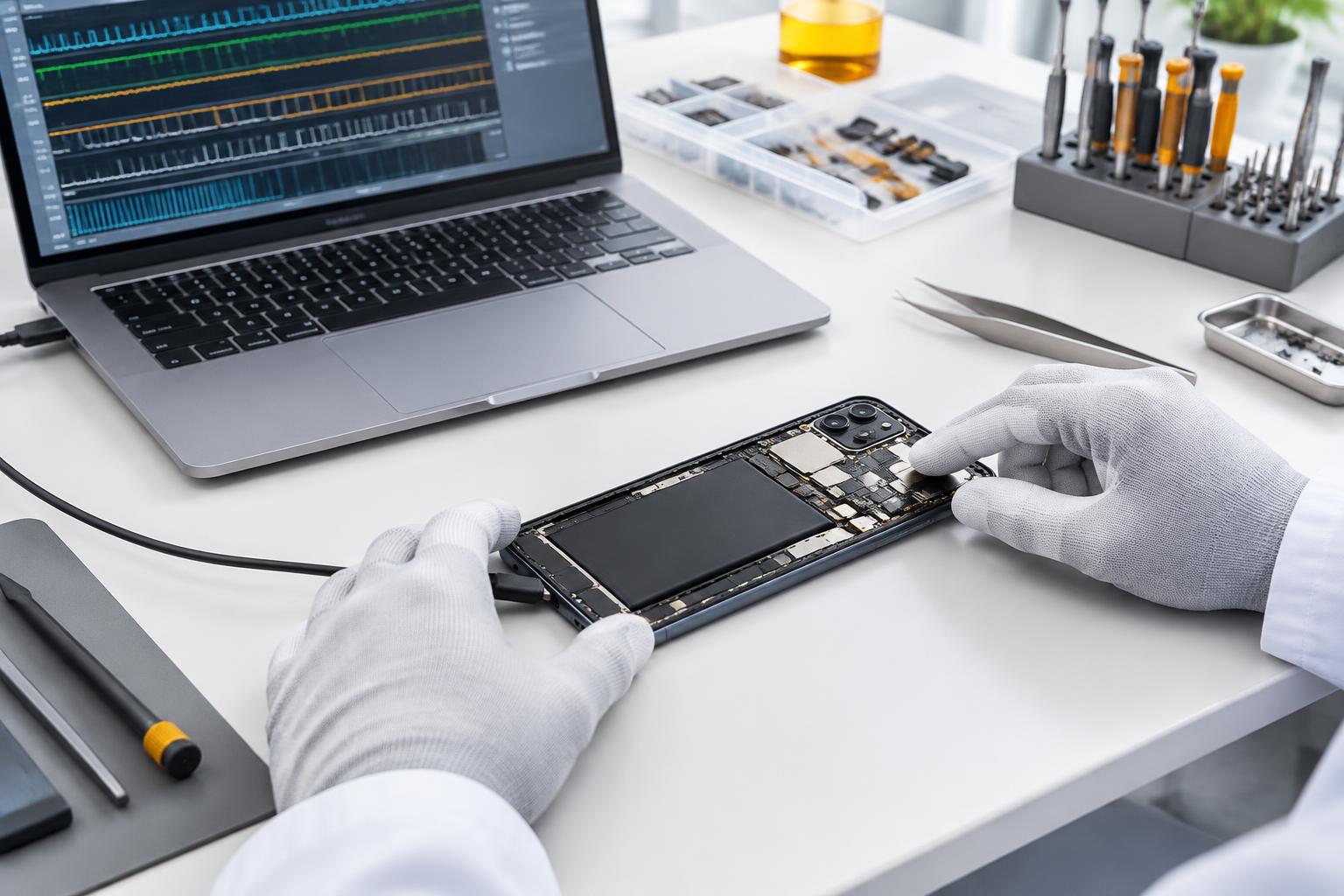
The cover image and workshop images are AI-generated illustrations, not photographs of the customer's device.
What does bootloop mean on a Xiaomi smartphone?
A bootloop is a startup loop in which a smartphone cannot successfully complete the boot process.
Depending on the fault, the device may remain stuck on the manufacturer's logo, restart repeatedly or briefly reach the home screen before crashing.
However, this behaviour does not automatically mean that the internal storage is faulty or that personal data has already been lost.
In many cases, the data is still there. The problem is that the Android operating system no longer runs stably enough to allow normal access.
This is particularly challenging with modern Android devices: photos, videos and other personal information are encrypted in the internal storage.
Even if the storage can technically be read out, this does not mean that the data stored on it is immediately readable.
Xiaomi bootloop: Common causes on Xiaomi, Redmi and Poco devices
Not every bootloop has the same cause. A thorough diagnosis before any repair attempt is therefore particularly important.
1. Faulty or interrupted updates
If an Android system update or an important app update is not fully installed, individual components may be damaged or incompatible.
This can cause the smartphone to crash during startup or restart continuously.
2. Corrupted apps or Google Play services
Certain applications and system services are loaded during Android startup.
If these components are corrupted, repeated crashes can occur. Faults in important system apps in particular can affect the stability of the entire operating system.
3. Completely full internal storage
An often underestimated trigger is smartphone storage that is almost completely full.
Android needs free storage space to create temporary files, update databases and run background processes.
Without this space, applications can crash and, in the worst case, startup problems can occur.
However, this does not mean that every bootloop is caused by full storage.
4. Damaged file system structures
The file system organises the information stored on the smartphone.
Damage or inconsistencies can prevent important data from being read or processed correctly during system startup.
Such faults must be investigated carefully, as ill-considered repair attempts can make data recovery more difficult.
5. Faulty hardware
Not all startup problems are caused by software.
A damaged storage chip or problems with the logic board, power supply or battery can also prevent a smartphone from starting reliably.
In such cases, complex hardware repair or Logic board repair may be necessary.
6. Faulty custom ROMs or root modifications
On smartphones with modified operating systems, failed installations, unsuitable system files or changes made through root access can trigger a bootloop.
Ill-considered attempts to unlock the bootloader are particularly risky. On many Android devices, this process erases user data.
Why a factory reset is not a solution when important data is at stake
For a smartphone that keeps crashing, a factory reset is often recommended.
From a technical perspective, such a reset can indeed fix certain software problems.
However, this approach has a significant drawback: locally stored user data is erased.
This includes photos, videos, contacts, messages and other personal information, unless they have also been saved to the cloud or a backup.
Due to modern Android encryption, recovering the deleted data afterwards is generally no longer possible.
We therefore expressly recommend: If important data is stored on a smartphone that no longer starts, professional smartphone data recovery should be considered before performing a factory reset.
Case study: Poco X3 NFC runs for only a few seconds
The smartphone in question was a Xiaomi Poco X3 NFC with 64 GB of internal storage. It was running MIUI 14 based on Android 12.
The fault manifested itself in an unusual way: the device initially started normally and even reached the home screen. The installed apps were briefly visible, and the smartphone could be used for a few seconds.
The operating system then crashed. Instead of restarting normally, the smartphone ended up in the MIUI recovery menu.
The options available there included:
- Reboot – restart the smartphone
- Wipe Data – erase user data
- Safe Mode – start in safe mode
Repeated restarts brought no improvement. An attempt to start the device in safe mode was also unsuccessful.
A particular challenge was that the bootloader was locked and the personal data on the smartphone was encrypted. Simply reading out the storage chip was therefore not a solution.
Case study fault analysis: Why did the Poco X3 NFC crash?
During our investigation, the symptoms pointed to repeated crashes of an important Android system component.
Android has an internal protection mechanism called Rescue Party. It detects certain recurring crashes of critical system processes or persistently running system apps.
If such faults are registered multiple times within a short period, Android attempts to restore the system in stages. If these measures are insufficient, the final step may be to enter recovery mode, where a factory reset is available.
This was exactly the behaviour we observed on our Xiaomi Poco X3 NFC.
Our analysis found indications of a corrupted app update or faulty app components. Google Play services, among others, were suspected as a possible trigger. However, we could not establish with complete certainty which individual component had caused the original fault.
Our key finding was that there was no hardware fault and that the personal files themselves were not damaged.
This meant there was a realistic chance of restoring the smartphone to working order without deleting photos and videos.
How we recovered the data from the Xiaomi Poco X3 NFC
After the initial diagnosis, we decided on a multi-stage data recovery process.
Our top priority was to preserve the customer's personal data while eliminating the cause of the bootloop.
Step 1: Backing up the data partition
First, we used specialised methods to create a complete backup of the relevant data area at chip level.
This backup formed the basis of the further investigation and was intended to prevent the subsequent work from putting the original data at unnecessary risk.
Step 2: Examination using specialist software
We then analysed the backup on our workstations using specialised diagnostic and data recovery tools.
We investigated possible sources of error and were able to rule out indications of a hardware fault.
Step 3: Checking the operating system
To narrow down the cause further, the original system software appropriate for the device was reinstalled using a process that preserved the data.
Since the bootloop persisted, we were able to rule out a corrupted system image as the sole cause.
The evidence increasingly pointed to faulty components within the data area.
Step 4: Targeted cleanup
After analysing the cause, we carried out a targeted cleanup of the problematic components.
We took particular care to leave the customer's personal files untouched.
Some of the installed applications had to be removed. This had been expressly agreed with the customer beforehand, as his sole priority was recovering his personal data.
The cleaned-up data was then transferred back to the device.
Step 5: Successful restart
After completing the work, we restarted the Xiaomi Poco X3 NFC.
This time, the device not only reached the home screen but also remained stable. The previous bootloop no longer occurred.
We then checked access to the personal data.
Our guide explains why directly reading the memory alone is not sufficient for encrypted devices and which methods may be suitable: How does data recovery work? The work described here is not a procedure to replicate yourself and cannot be applied to every model.
The result: Photos, videos, contacts and SMS messages fully recovered
After a total of two working days, we successfully completed the data recovery.
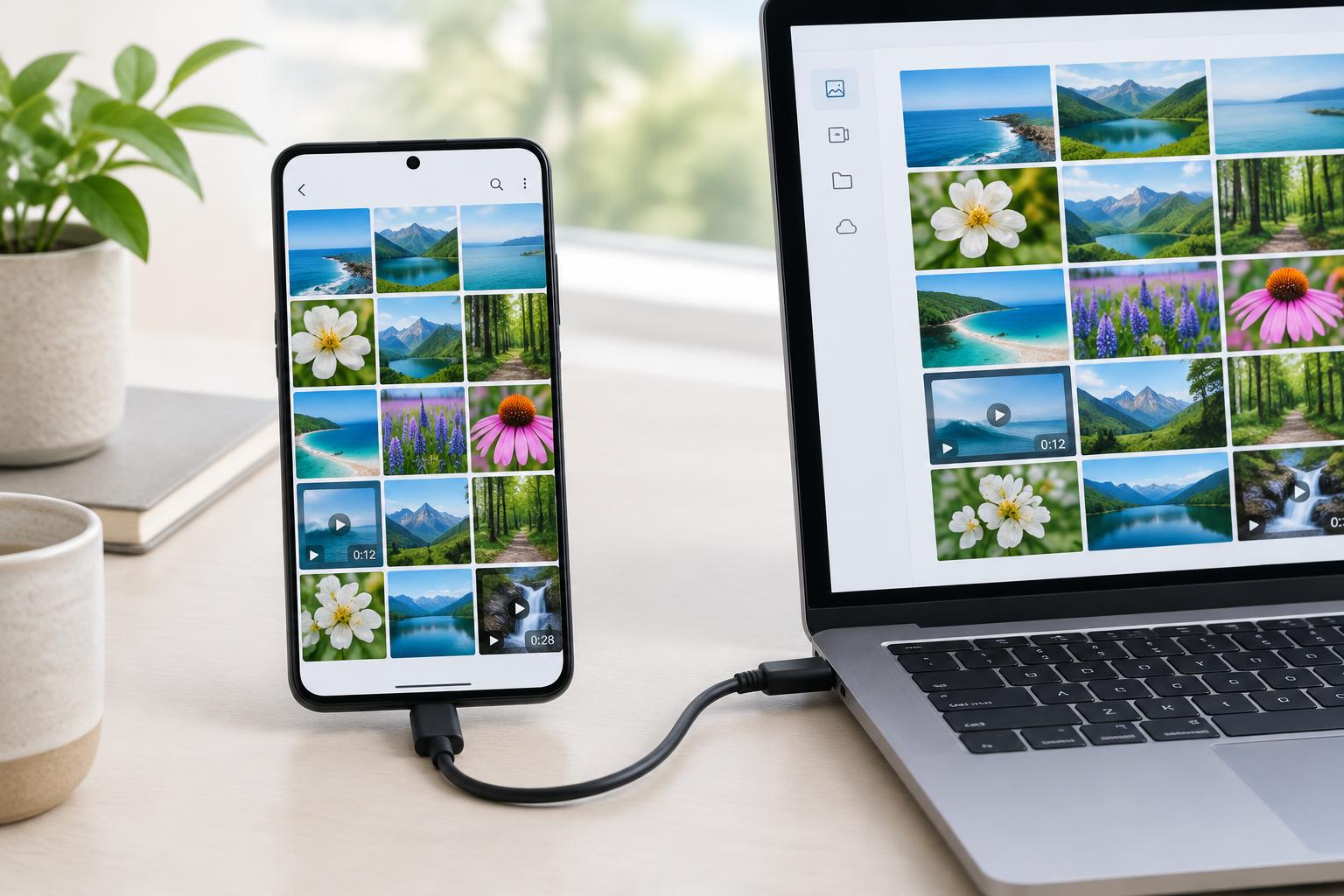
The customer's photos, videos, contacts and SMS messages were fully preserved and accessible again.
The key difference compared with a conventional factory reset: we were able to resolve the startup fault without deleting the personal files that mattered to the customer.
Some of the originally installed apps had to be removed. However, this had been agreed with the customer and was acceptable for the desired recovery outcome.
This case shows that data recovery may be possible even with a locked bootloader, encrypted storage and repeated crashes.
However, every case requires an individual investigation. Similar symptoms do not guarantee the same cause or the same solution.
Xiaomi stuck in recovery mode? Please do not rush to erase your data!
If your Xiaomi, Poco, Redmi or another Android smartphone no longer starts properly, there are a few things to consider before taking further action.
In particular, avoid selecting “Wipe Data” if you do not have a complete backup.
Unlocking the bootloader, installing unsuitable firmware or attempting uncontrolled repairs can also significantly reduce the chances of successful data recovery.
Whether your smartphone is affected by a software error, a faulty memory chip or a problem with the logic board can only be determined after an appropriate diagnosis.
A bootloop therefore does not automatically mean the device is beyond repair—and, above all, it does not mean your data is necessarily lost.
Professional Xiaomi data recovery at handyarzt.com – throughout Germany
Is your Xiaomi, Redmi or Poco stuck on the startup logo, constantly restarting or only showing the recovery menu?
Would you like to recover your photos, videos, contacts or other personal data without having a factory reset performed?
We at handyarzt.com specialise in smartphone repair and data recovery. At our workshop in Bonn, we also investigate complex faults that conventional repair attempts cannot resolve.
Our Data recovery service for Xiaomi and other Android smartphones is available to customers throughout Germany. You can conveniently send us your faulty smartphone by post. You can find shipping instructions in the Shipping portal.
Have your data assessed before you potentially lose it permanently through a factory reset.
Tell us how your Xiaomi behaves during startup and provide the exact model name. We assess the options individually. Success in one case is no guarantee for other devices.
Frequently asked questions about Xiaomi bootloops and data recovery
This may be possible, but it is not guaranteed. The cause, model, encryption and hardware condition determine the chances. In the Poco X3 NFC case described here, we were able to recover photos, videos, contacts and SMS messages without a factory reset. This procedure cannot be applied across the board to other Xiaomi, Redmi or Poco devices.
Technical background and sources
The official sources describe the Android mechanisms. Details about the device, the investigation and the recovery outcome come from the workshop case described here. They do not establish a common cause for all Poco-X3-NFC bootloops.