Here's what happens next!
Before sending in your device, select what you need below. Repair and data recovery have different preparations – please follow the correct process to ensure everything runs smoothly.
Prepare Your Smartphone for Shipping
- • Disable your alarm if it is set.
- • Remove your SIM card and turn off the device.
- • Please send no accessories included (no charging cable, no case, no power adapter).
Remove the Screen Lock Code or Reset the Device
Please remove the screen lock code so we can test the device before and after repair. This allows us to verify that the repair was successful and that the speaker, sensor, microphone & other components work.
If the display is damaged or the device no longer turns on, you can also provide us with the screen lock code by phone, email, or chat let us know.
For Water damage, diagnosis, or logic board repairs the screen lock code is essential – otherwise we cannot inspect or test the device. For screen repairs or straightforward component replacements, it is not essential; in this case, however, we accept liability only for the part we replace, not for any other parts, because we have had no opportunity to test the device before and after the repair.
If you have reset the device, complete the initial activation afterwards so that our workshop can access the main menu.
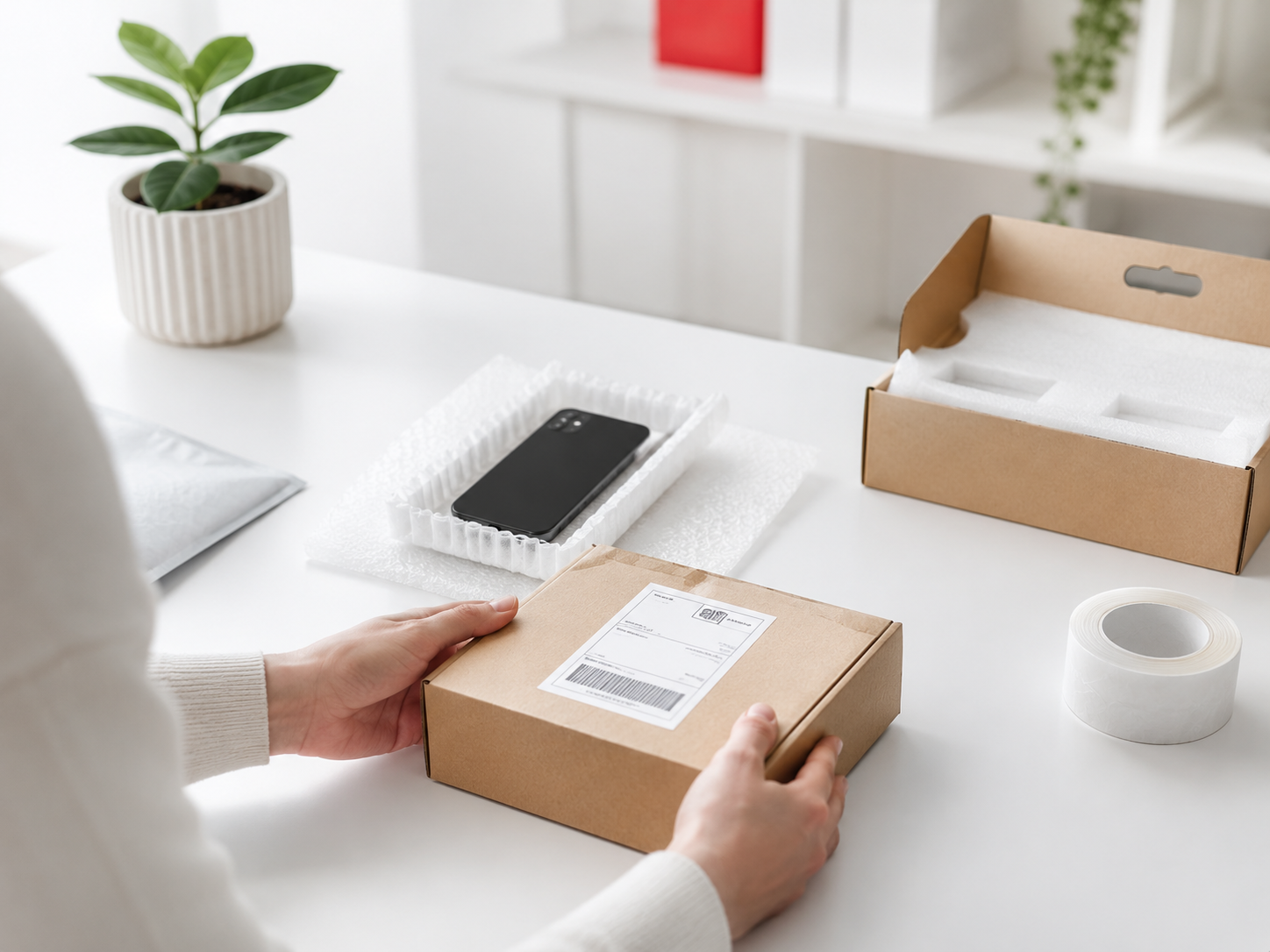
Smartphone sicher verpacken
- • Pack the device with plenty of cushioning – too much is better than too little.
- • Use crumpled newspaper, bubble wrap or packing peanuts with the original box.
- • Without the original box: a padded mailing envelope inside a padded cardboard box.
- • Parcel in a cross pattern seal with adhesive or packing tape.
Kostenfreies DHL-Versandlabel erstellen
- • Enter your address – our destination address is already saved.
- • Choose whether to take the package to the post office yourself or have DHL collect it.
- • Print and attach the label – or have it printed at a DHL branch using the QR code / RET number.
Repair & return shipping
- • DHL shipping takes 1–2 business days. You can track delivery using the tracking number.
- • As soon as your device arrives, you will receive a confirmation of receipt by email.
- • After the repair, you will receive another email with Final test and a tracking link for return shipping.
From receipt of your device. We keep you informed at every step.
Free, insured DHL shipping label
Create your free DHL shipping label in just a few clicks. Your parcel is automatically insured, and you can conveniently drop it off at a DHL branch or arrange collection.
- Free Shipping Both Ways
- Insured until received at our workshop
- Sendungsverfolgung inklusive
- Print your label conveniently or use a QR code at the branch