Data at risk? Find solutions yourself and back up your data!
Data at risk? Find solutions yourself and back up your data! If your smartphone suddenly stops working and important data on
Don't want to take any risks? Our iPhone data recovery at a fixed price costs 179,90 € including a USB drive and has a 95 % success rate. If unsuccessful, only a 29,90 € processing fee applies.
Data at risk? Find solutions yourself and back up your data!
If your smartphone suddenly stops working and important data is at stake, it can be worrying. But before you consider us for data recovery, you should know that you may be able to solve many problems yourself. In this article, we not only offer advice on identifying problems and recovering data, but also expand on these tips for a comprehensive solution.
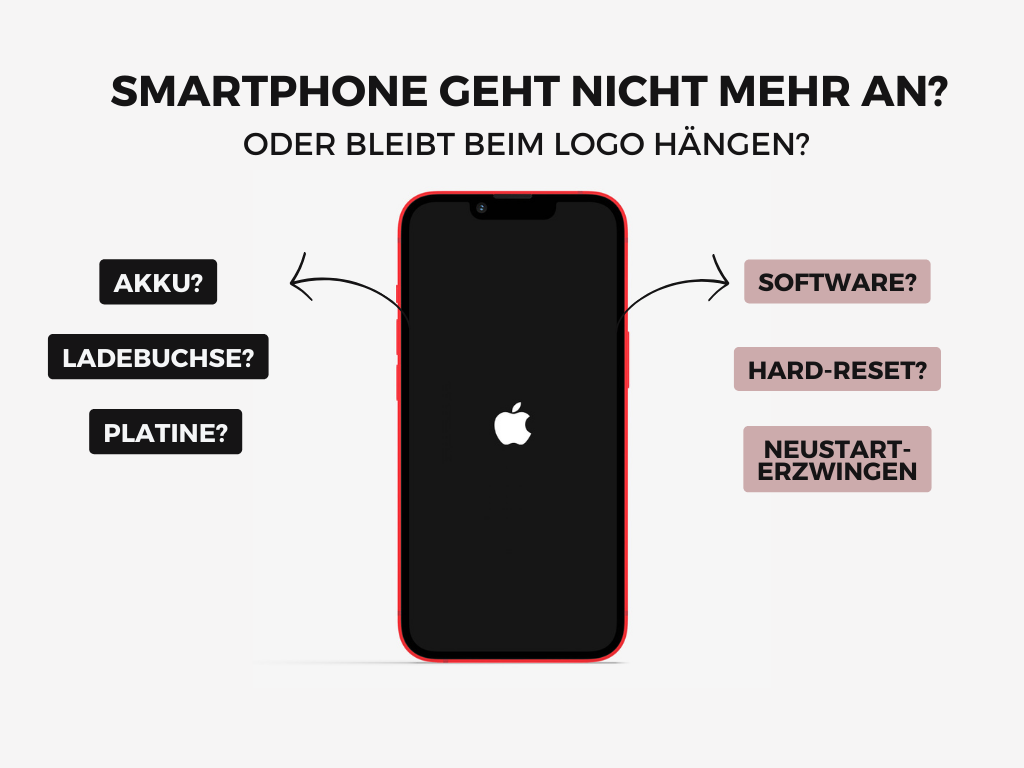
1. The smartphone no longer turns on or gets stuck on the logo
If your smartphone no longer starts or gets stuck on the logo, there are two possible causes: a hardware problem or a software problem. Here are some steps you can take:
- Check the battery: Make sure the battery is not empty. Try charging the device with a different cable or power adapter and wait a few minutes.
- Is the battery faulty? Replacing the battery yourself may be less complicated than you think. You can find inexpensive replacement batteries on platforms such as eBay and use YouTube tutorials to guide you through the replacement.
- Clean the charging port: Sometimes dirt in the charging port prevents charging. Carefully clean the port and try charging the device again.
- Perform a force restart: A soft reset may help. The button combination varies depending on the smartphone model. iPhone owners can find instructions here: [Link]. For Android devices, search YouTube for "model name soft reset" to find suitable instructions.
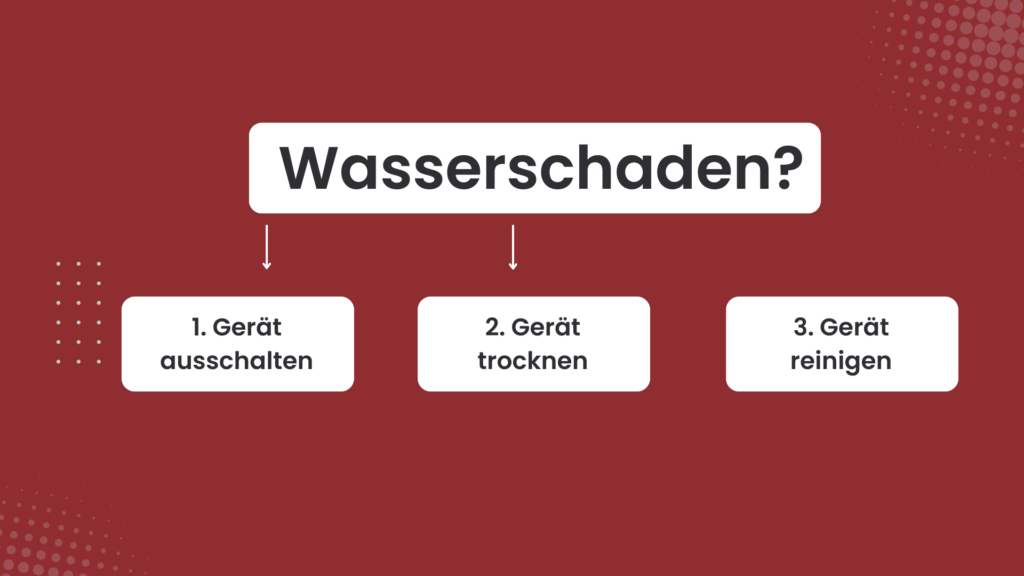
2. Exposure to moisture
Acting quickly is crucial if your smartphone has been exposed to moisture or suffered water damage:
- Switch off the device to prevent short circuits.
- Carefully pat the device dry to remove excess liquid.
- If necessary, carefully clean the device with alcohol. You can find step-by-step instructions at Data recovery with a damaged screen.
3. Data has been deleted
If data has been accidentally deleted, not all is lost. Here are some steps you can take:
- Check the trash: Some devices have a trash folder for deleted files.
- Use backup services such as Google Drive or iCloud to restore deleted data. You can find instructions here: iCloud [Link], Google Drive [Link].
- Specialised data recovery software can restore data if the device is recognised by the computer. However, only use trustworthy sources.
4. Forgotten screen lock code
Forgotten your screen lock code? Unfortunately, there is no way to unlock the device without losing data. Professional help is required in this case. If the data is not important, you can reset the device to factory settings. You can find instructions for Apple iPhones here: [Link], and for Android devices here: [Link].
5. We recover your data at a fixed price
Have you followed the tips above but still been unable to back up your data? Then a professional data recovery service is your only option. We recover your data at a fixed price.
We recover your data at a fixed price!
Professional data recovery at a fixed price.
iPhone, Samsung & more—including diagnosis and an encrypted USB drive. If unsuccessful, only a 29,90 € processing fee applies.
- ✓ Kostenlose Diagnose
- ✓ Bei Nichterfolg nur 29,90 €
- ✓ Data on a USB drive
- ✓ Diskrete Behandlung