Google Pixel stuck on the logo or crashing after PIN entry
Google Pixel stuck on the logo or crashing after PIN entry? We recover photos, chats and contacts and can usually get the device working again.
Need your data back urgently? Our fixed-price phone data recovery is performed at chip level, is only charged for if successful, and covers Samsung Galaxy as well as all other Android smartphones.
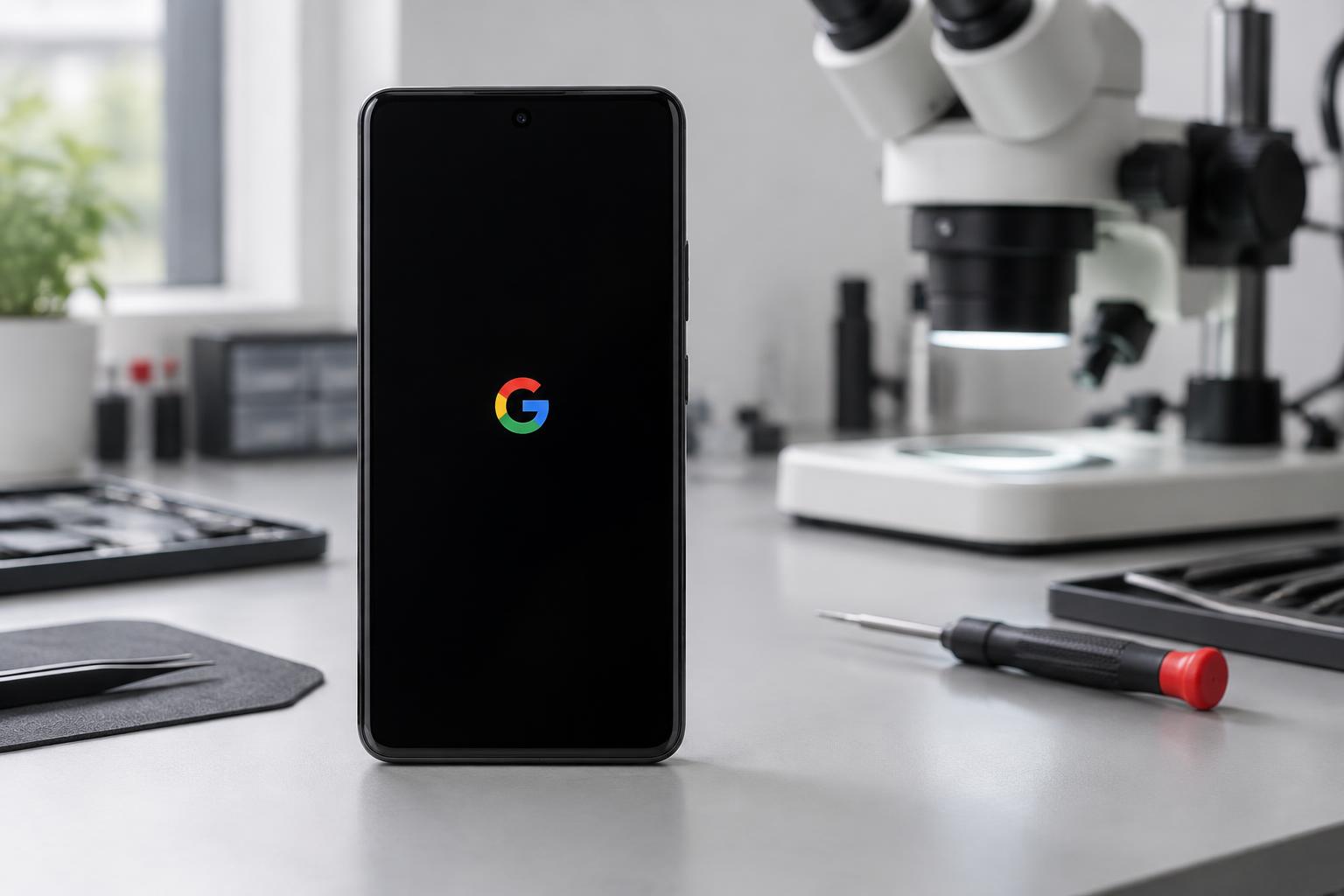
The Pixel shows the colourful G, the screen goes black, then the G appears again. Or it reaches the PIN entry screen, you enter the code, and the device restarts. In both cases, your first thought is the same: The photos from the past few months are on the device, and the last backup was months ago.
A bootloop does not automatically mean data loss. Often, the storage itself is not damaged; instead, access to your data is blocked. The recovery options depend on the cause and the condition of your Pixel.
The three causes
- 1The storage is full. Android needs free space to start. If the storage is completely full, startup may fail. This is one possible cause, even if the device looks completely intact.
- 2A software error. An interrupted update, a battery running out midway through installation or a corrupted system file: the device can no longer find a valid starting point.
- 3A fault on the logic board. This may be caused by a short circuit or severe damage in the processor or power supply area.
Similar symptoms can have different causes. That is why we first check whether the fault lies with the software, storage or hardware — before carrying out any work.
A crash after entering the PIN is a distinct case
If your Pixel reaches the PIN prompt and only crashes afterwards, it has already completed part of the system startup. Once the correct PIN is entered, the encrypted personal data area becomes accessible. A fault may become apparent at precisely this moment.
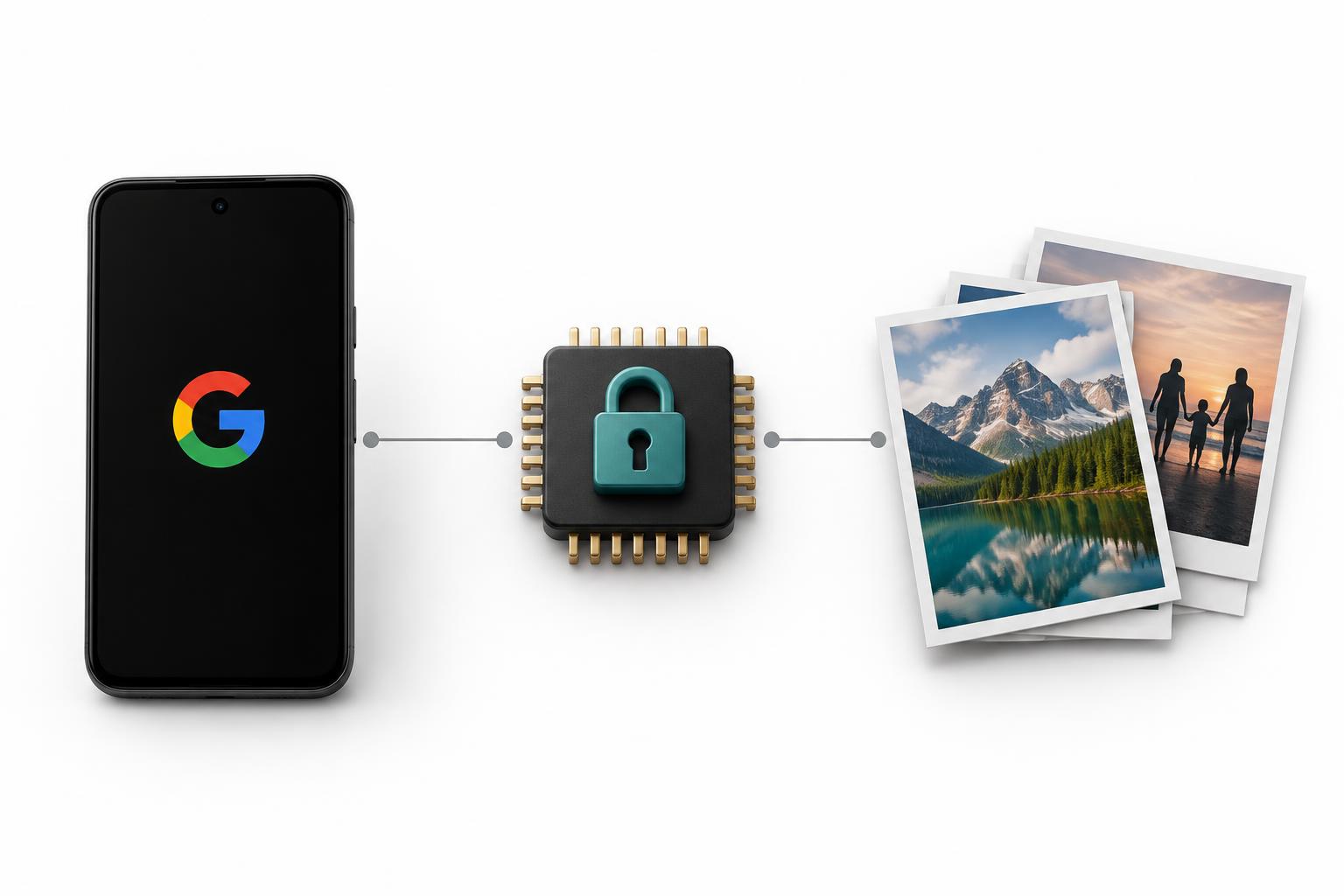
Android protects your data with encryption tied to the device hardware and your screen lock code. A crash after entering the PIN does not prove that all data is undamaged. However, it does not automatically mean that the data is lost either. We clarify this through targeted diagnosis.
What you can try yourself — and what you must avoid
If the device is dry, does not become unusually hot and the battery is not swollen, you can try the following:
- Charge for one hour. Use a compatible power adapter and cable in good working order. A deeply discharged battery can prevent startup.
- Force a restart. According to Google, hold down the power button for up to 60 seconds. Release it as soon as the G logo appears. A forced restart does not factory reset the device.
If your data is important to you, avoid these steps:
- Do not reset to factory settings. This deletes the local user data. On modern encrypted Pixels, it is generally no longer recoverable from the device afterwards.
- Do not experiment in the recovery menu. “Wipe data/factory reset” deletes your data. Do not follow any supposed cache-clearing guide that leads to a reset.
- Do not keep trying to start the device endlessly. If the Pixel gets hot or you suspect a hardware fault, stop trying and have it checked.
Our process
For software errors and full storage, we use specialised diagnostic and forensic tools. The aim is to restore the operating system's ability to start sufficiently for us to back up your data — without a factory reset. The available steps depend on the model and the specific fault.
In many software and storage cases, you get back a Pixel that starts again, not just a data backup. However, we can only assess whether the device is fully functional after inspection.
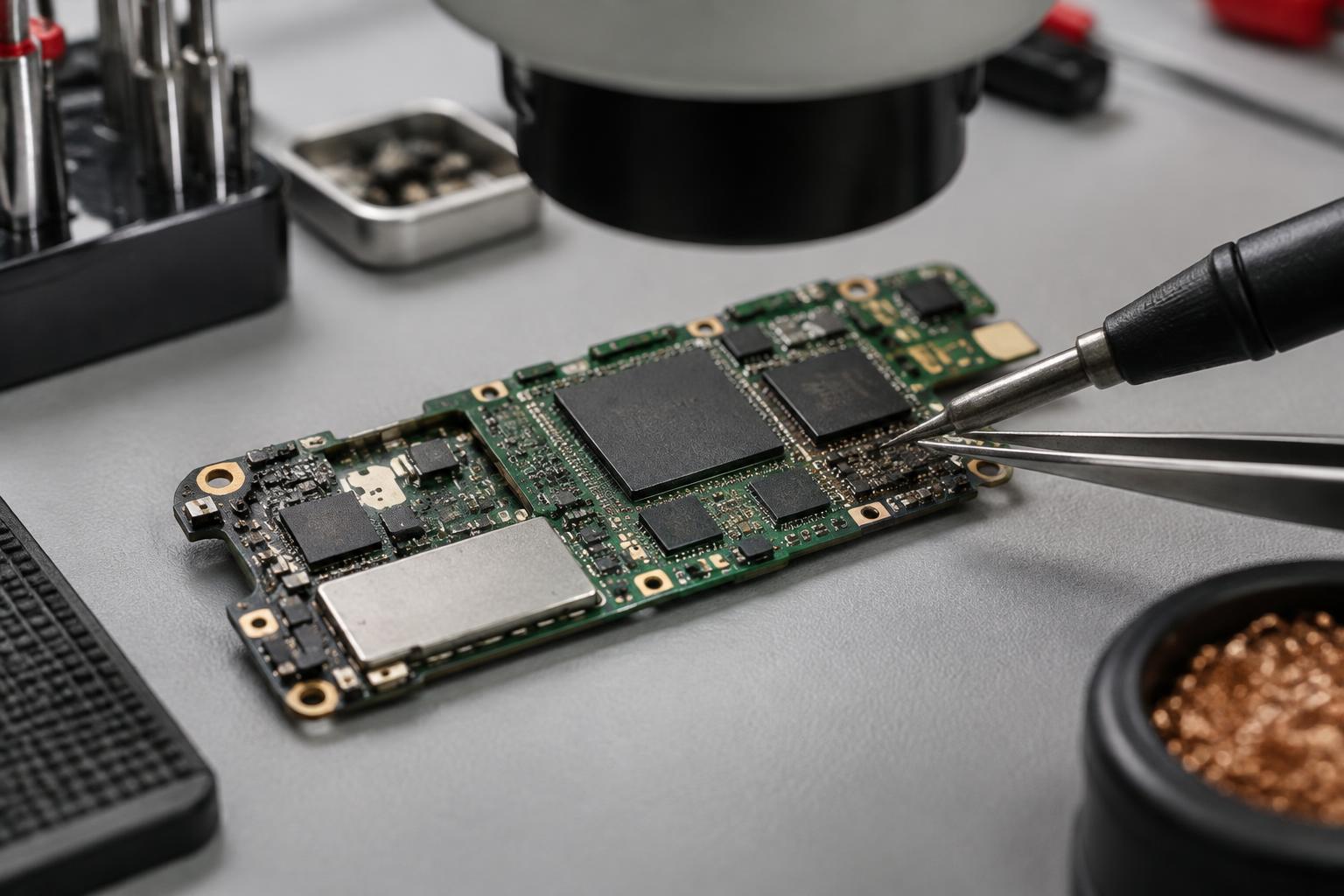
If the logic board is the cause, everything depends on the extent of the damage. We can locate and repair a simple short circuit under the microscope. Severe damage may require a board swap. Read more about the procedures in our article How does data recovery work?
What a board swap is
With current Pixel models, simply desoldering the memory chip and reading it in a reader is not enough. The data is encrypted. Without the corresponding keys and the original security environment, it remains unreadable.
During a board swap, we transfer the original components required for data access to a compatible, intact logic board. Which components need to be preserved together depends on the Pixel model. What matters is that the data and its associated security environment remain matched.
This is precision work under the microscope and is more involved than the other methods. We only consider this procedure if the original logic board cannot be sufficiently restored. If critical original components are irreparably damaged, this option may also be ruled out.
Which Pixel models we work on
We work on Pixel 6, 6a and 6 Pro, Pixel 7, 7a and 7 Pro, Pixel 8, 8a and 8 Pro, Pixel 9 and 9 Pro, as well as the Fold variants. The problem occurs across multiple generations — the solution differs depending on the model and the symptoms.
Not sure whether your model is included? Contact us with the exact model name and a brief description of its startup behaviour.
Process and costs
Send the device in or bring it to us in Bonn. We examine it and contact you with specific findings. Booking and current terms are available on our page for Smartphone data recovery.
We carry out most data recovery jobs at a fixed price. This applies to software and storage cases as well as simple logic board faults. Only the complex board swap costs more: you receive an individual quote beforehand, not afterwards.
In our workshop experience, software and storage cases usually take two to three working days. A board swap takes longer; after examination, we will give you an estimated time frame. You can find advice on safe shipping in the Shipping portal.
Frequently asked questions
Not automatically. The storage may be intact even if the device does not start. Whether the data can be accessed depends on factors including the cause, the encryption and the condition of the original components.