iPhone won't turn on? First steps and data recovery
iPhone not responding? A force restart, a charging check and three other steps that are often all it takes. Plus, what is still possible if the device is truly dead.
If the cause lies on the logic board, a iPhone logic board repair at a fixed price is the fastest solution: We analyse the board under a microscope and fix common faults such as baseband issues, bootloops, charging IC faults or short circuits.
A black screen, no response—has your iPhone stopped turning on? That can be a shock, especially if it contains important photos, contacts or documents. Don't panic! Even when the situation seems hopeless, there are often ways to recover your data. This comprehensive guide explains what you can try yourself and when professional help with iPhone data recovery is needed. At Handyarzt.com, we specialise in iPhone data recovery, even when other repair shops have already given up. Find out how we work and what the chances are of recovering your valuable data.
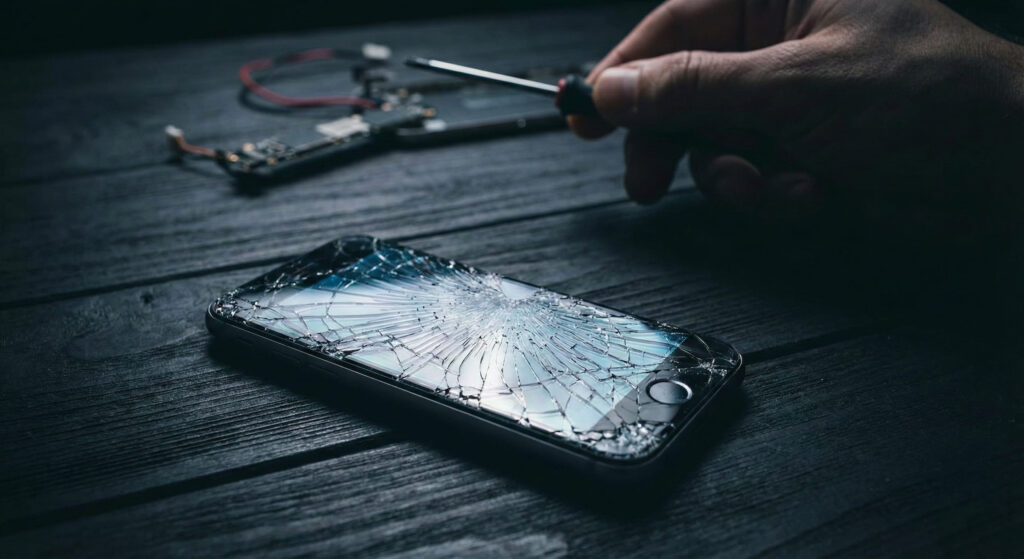
What you can try yourself if your iPhone won't turn on
Before contacting a specialist, there are a few basic steps you can try yourself. The problem is often less serious than it seems and can be resolved with simple measures. However, bear in mind: if your iPhone has obvious hardware damage (e.g. after a drop or contact with water), you should avoid further attempts and seek professional help directly to prevent making the damage worse.
Force restart (hard reset)
The button combination varies depending on the iPhone model. Search specifically for “Hard Reset iPhone [Ihr Modell]” to find the right combination. This can often resolve minor software crashes.
Charge the battery
Connect the iPhone to a charger and let it charge for at least 30 minutes. Sometimes the battery is so deeply discharged that the device does not respond immediately.
Check for a software update (if possible)
If the iPhone briefly lights up or enters recovery mode, try updating it using iTunes/Finder on a computer. Caution: Restoring the device erases all data — so choose an update instead.
Check the cable and charging port
Use a different cable and charger to rule out faulty accessories. Carefully clean the charging port with a toothpick or an antistatic brush to remove dust and dirt.
Important: Do not attempt repairs that require specialist tools or expertise. Opening the iPhone or trying to repair internal components can worsen the damage and significantly reduce the chances of successful data recovery by a professional. If these steps do not help, it is time to seek professional assistance.
When is professional iPhone data recovery necessary?
In many cases, the self-help measures mentioned above are not enough to get a faulty iPhone working again or recover its data. Here are some scenarios where professional help is essential: A faulty iPhone display can also be the cause of a seemingly dead device – you can find suitable replacement parts in the shop.
Obvious hardware damage
After a drop, contact with water or other physical impacts, there is a high likelihood that internal components have been damaged.
No response to a hard reset or attempts to charge
If the iPhone shows no signs of life, this indicates a more serious problem – often with the logic board or battery.
Important data with no backup
If you do not have a recent backup, data recovery by a specialist is often the only way to retrieve your data.
Signs of overheating or unusual noises
Excessive heat or unusual noises can indicate a fault on the logic board and should be taken seriously.
Technical causes: Why won't my iPhone turn on?
There are various reasons why an iPhone may no longer turn on. These can broadly be divided into software and hardware problems. While software problems can often be resolved by restarting or restoring the device, hardware faults generally require professional repair.
Common reasons why an iPhone will not turn on
| Cause | Symptoms | Likelihood | Solution |
|---|---|---|---|
| Software crash | iPhone is unresponsive, black screen | High | Hard reset, restore |
| Deeply discharged battery | iPhone will not turn on and shows no charging icon | Medium | Charge for longer (at least 30 min.) |
| Faulty battery | iPhone shuts down suddenly, very short battery life | Medium | Battery replacement |
| Water damage | iPhone will not turn on, unusual noises | Medium | Professional cleaning and repair |
| Faulty charging port | iPhone will not charge, intermittent charging cable connection | Medium | Charging port replacement |
| Logic board fault | iPhone will not turn on, no response to a hard reset | Medium | Professional logic board repair |
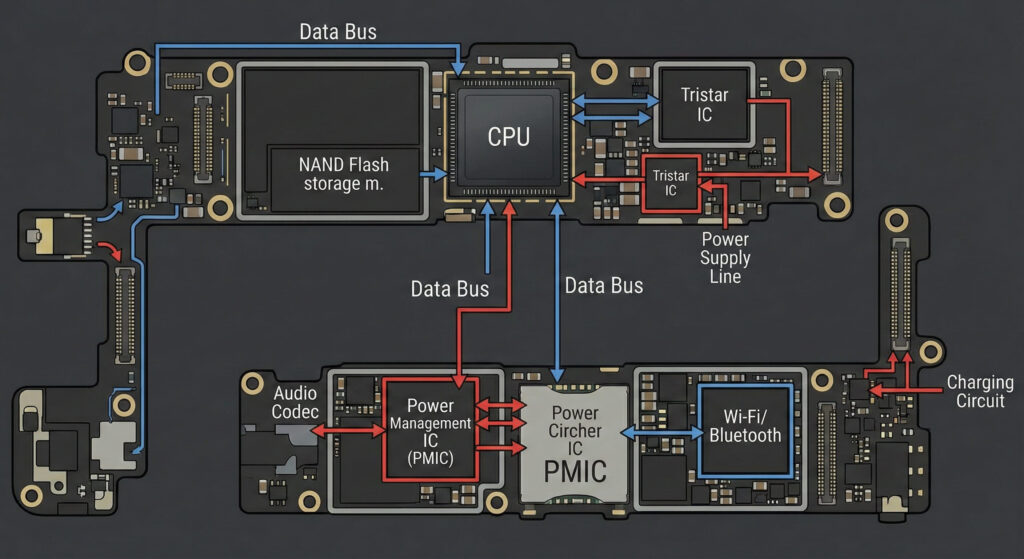
A common problem involves the so-called “Tristar chip” (USB controller IC) on the logic board. This chip handles charging and communication with the computer. A faulty Tristar chip can prevent the iPhone from charging and therefore from turning on. This fault often occurs after using low-quality chargers or as a result of a power surge. Repair involves desoldering the faulty chip and soldering a new chip onto the logic board – a job for specialists with the appropriate equipment.
iPhone data recovery: How Handyarzt.com works
If your iPhone will not turn on and has important data stored on it, you need to act quickly. The longer you wait, the lower the chances of successful data recovery. At HandyArzt, we offer comprehensive diagnostics and professional data recovery for iPhones, even in cases where other repair shops have already failed. Our expertise includes:
Board-level repairs
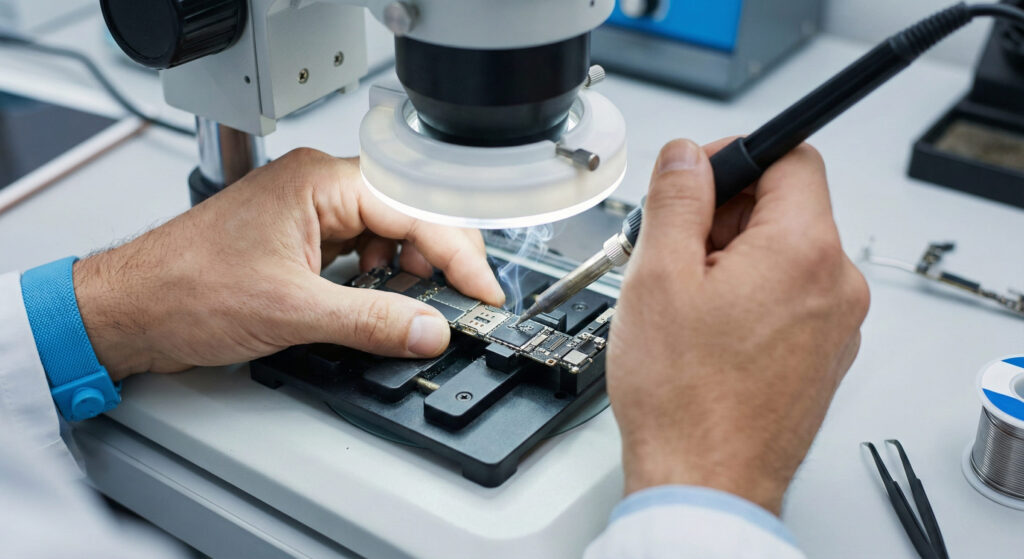
We specialise in repairing complex damage to iPhone logic boards. With state-of-the-art equipment and years of experience, we can identify and replace faulty components.
NAND chip data recovery
In some cases, it is necessary to read the NAND memory chip (where the data is stored) directly. This is a complex process that requires specialised tools and expertise.
Chip transfer
If the logic board (mainboard) is severely damaged, it may be necessary to transfer the NAND chip together with the CPU (processor) to an identical donor board. This is the most labour-intensive, but often the most successful, method of data recovery.
Water damage treatment
We use ultrasonic cleaning to remove corrosion and deposits from the logic board and increase the chances of a successful repair.
Important: Unlike some Android devices, direct data recovery using “chip-off” (reading the NAND memory outside the device) is not possible on modern iPhones due to hardware encryption (Secure Enclave). The NAND memory alone is useless without its corresponding encryption key. We therefore focus on repair methods that get the iPhone working again or allow the chips to be transferred to a donor logic board.
Real-world case study: A customer brought us an iPhone 12 Pro that would no longer turn on after being dropped. Another repair shop had already tried to repair the device, but without success. After a thorough diagnosis, we found that the Tristar chip and another small chip near the charging port were damaged. We replaced the faulty chips and were able to get the iPhone working again. The customer was delighted to get his photos and contacts back.
Conclusion: iPhone won't turn on? Data recovery is often possible — with professional help
An iPhone that will no longer turn on is frustrating, especially when it contains important data. While some problems can be resolved with simple self-help measures, more serious hardware faults require professional help. Handyarzt.com is your expert in iPhone data recovery and logic board-level repair. Contact us for a no-obligation diagnosis and let us explore together how we can recover your valuable data. We repair where others give up!
Frequently asked questions
In some cases, yes, if the problem is caused by a software crash or a deeply discharged battery. Try a hard reset or charge the iPhone for an extended period. Hardware damage requires professional help.
We recover your data at a fixed price
Professional data recovery at a fixed price.
iPhone, Samsung & more—including diagnosis and an encrypted USB drive. If unsuccessful, only a 29,90 € processing fee applies.
- ✓ Kostenlose Diagnose
- ✓ Bei Nichterfolg nur 29,90 €
- ✓ Data on a USB drive
- ✓ Diskrete Behandlung